

Yes — really.
Most eCommerce platforms make a simple thing feel heavy.
Accounts, extensions, onboarding flows… and suddenly you’ve spent an hour without selling anything.
KitBix Commerce was built to remove that friction.
If you already have a WordPress site, you can go from zero to first product ready for checkout in under 5 minutes.
Here’s how.
Step 1: Set Your Currency (30 seconds)
Open your WordPress dashboard and go to:
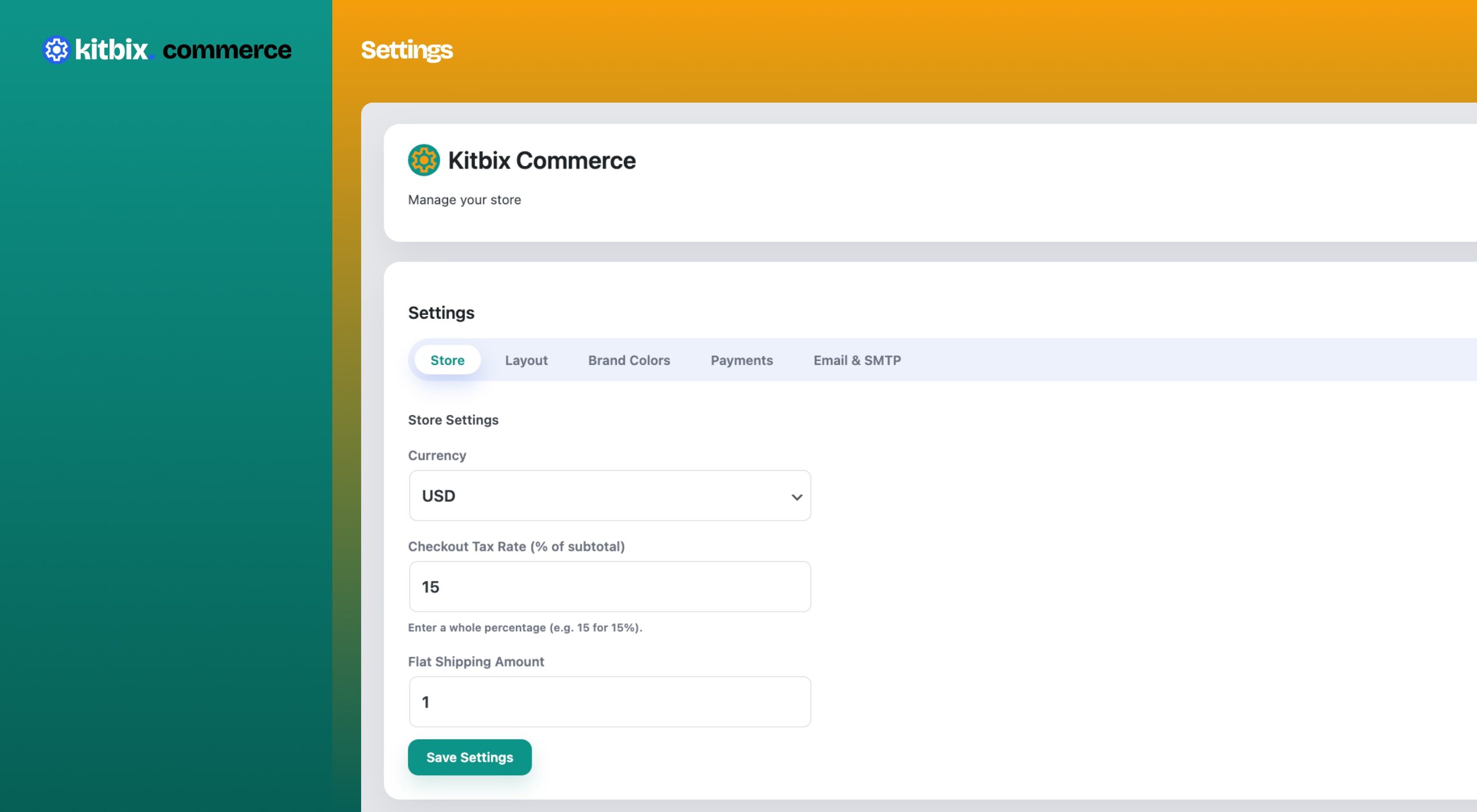
KitBix Commerce → Settings → Store
Choose your currency.
That’s it.
No exchange rate setup.
No hidden dependencies.
Everything—from product prices to checkout totals—now speaks the same currency.
Step 2: Enable a Payment Method (1 minute)
Go to:
KitBix Commerce → Settings → Payments
Enable any (or all) of the built-in gateways:
- Stripe – card payments
- PayPal – global customers
- Cash on Delivery (COD) – local-first stores
Each gateway:
- Has its own simple settings
- Only appears if it supports your selected currency
- Works instantly after saving
Turn it on. Save. Done.
Step 3: Create a Product (2 minutes)
Navigate to:
KitBix Commerce → Dashboard → Products
Click Add Product and enter:
- Product name
- Price
- Description (optional)
- Category (optional)
Save.
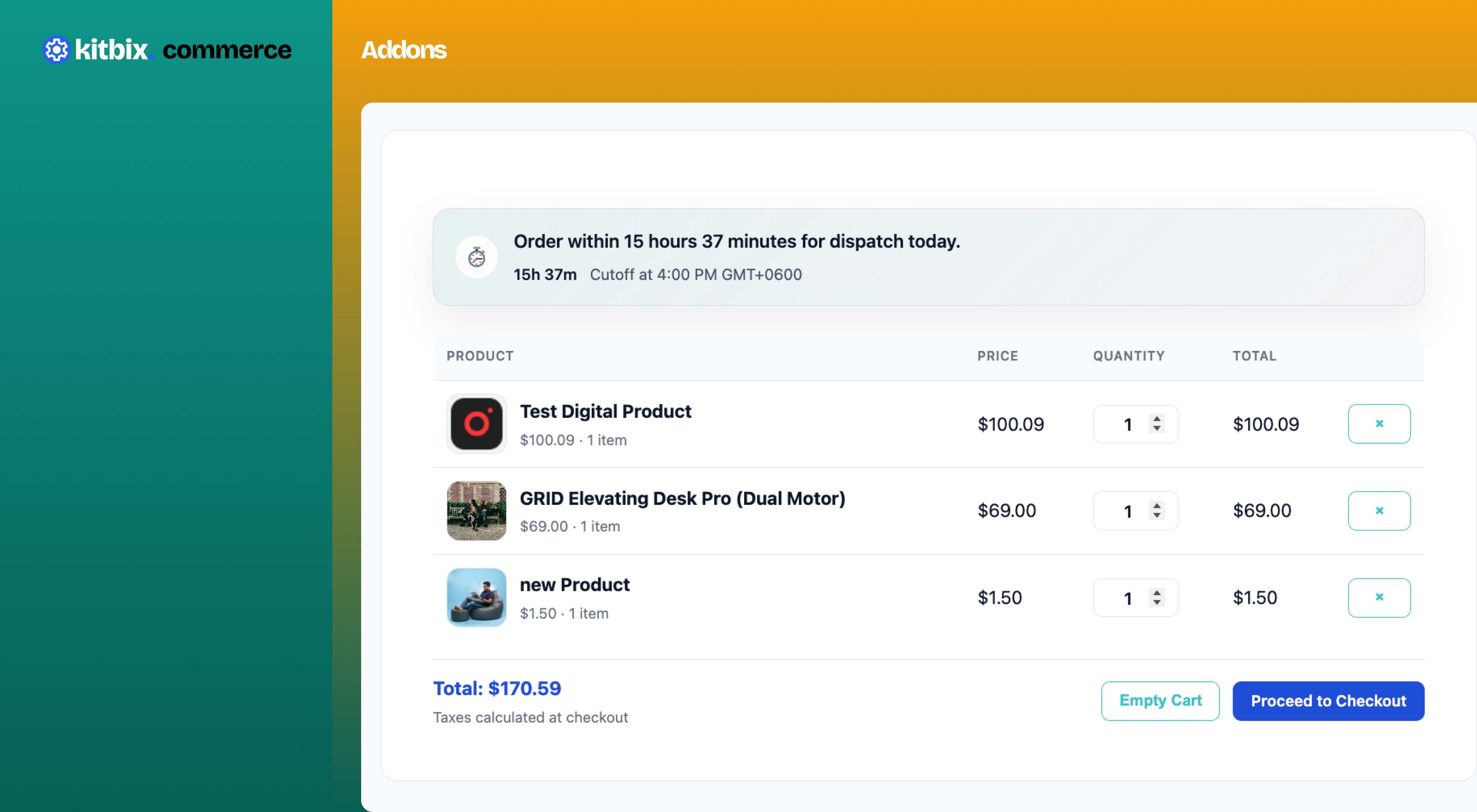
You now have a real product—priced, payable, and ready to sell.
That’s It. No Wizard. No Lock-In.
You didn’t:
- Install a dozen extensions
- Create third-party accounts
- Learn a new system
You just used WordPress.
Why This Matters
KitBix Commerce is built for:
- Creators selling their first product
- Developers who value clean architecture
- Small businesses that want speed without bloat
It stays out of your way and lets you ship faster.
Start Small. Grow When You’re Ready.
Begin with:
- One currency
- One payment method
- One product
Expand later with addons, integrations, and custom workflows.
Selling your first product should be easy.
👉 Install KitBix Commerce and sell your first product today.